 Shotomi
Black Friday Sale · Limited-time offer
01 / Shotomi FrameLight Square
Better light.
See your shot.
Shotomi FrameLight Square
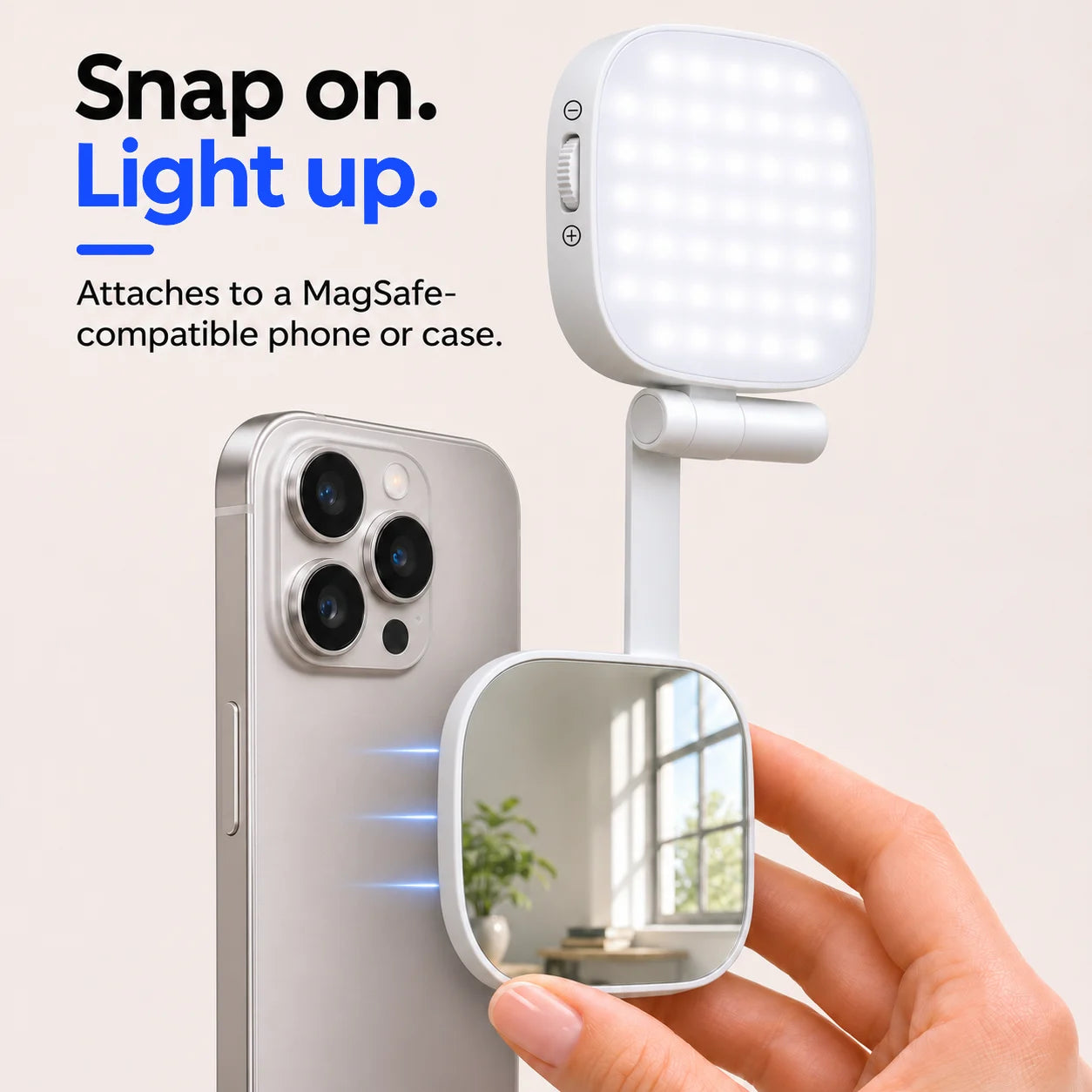
A magnetic selfie light with a built-in mirror and an adjustable arm. Frame yourself with the rear camera, then aim the light where you need it.
02 / Lighting and framing
Light your subject.
See your framing.
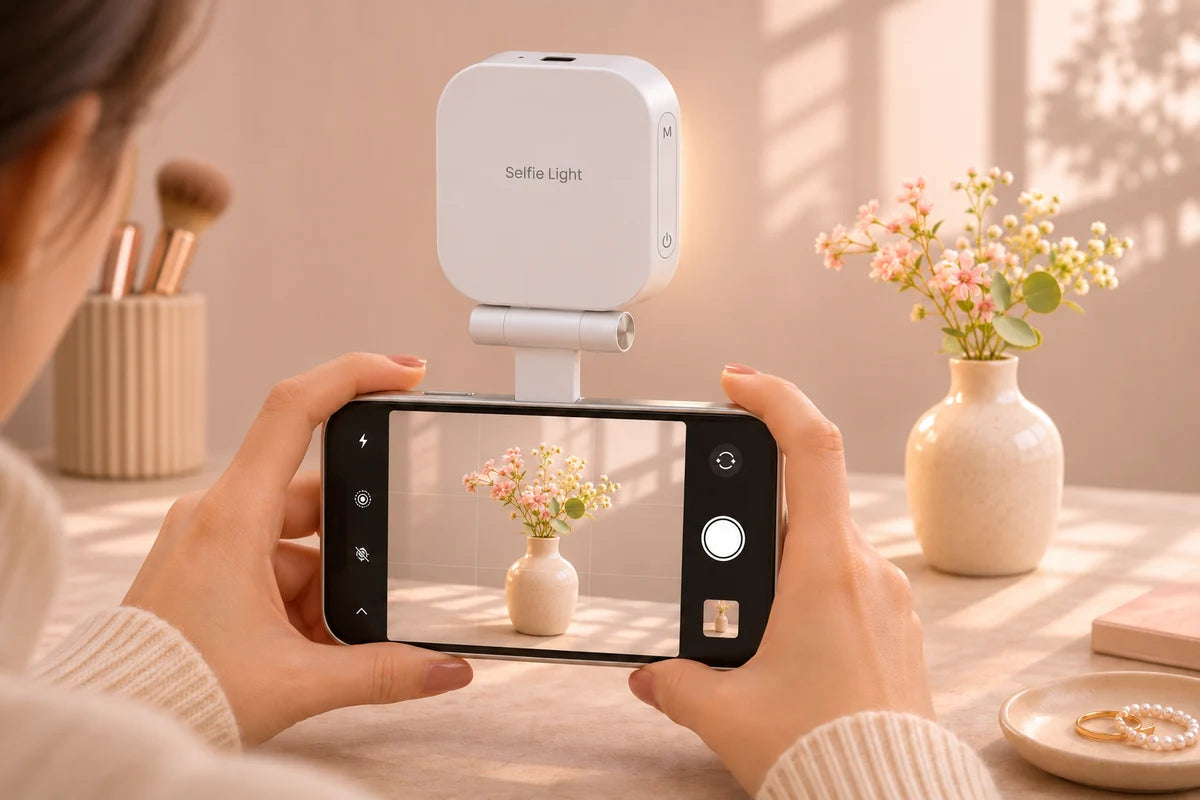
Use the light for selfies, product close-ups and rear-camera videos. The built-in mirror gives you a way to check your framing when the screen faces away.
03 / Light settings
Set the light.
Fine-tune the shot.
6 light settings and a brightness wheel let you adjust the light to suit your surroundings.
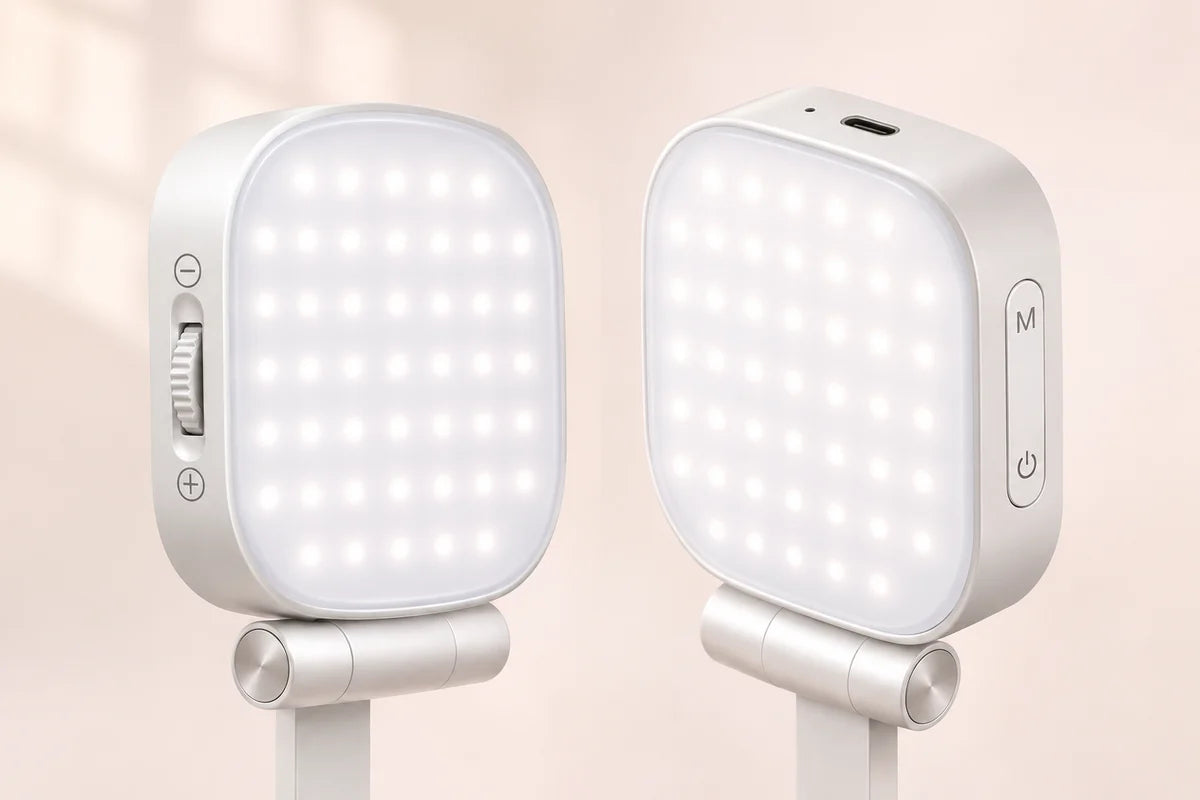
Choose a setting.
Press the settings button to cycle through six light settings.
Fine-tune brightness.
Roll the brightness wheel on the opposite side of the light head.
Move the light.
Swing the arm side to side and tilt the panel toward your subject.
04 / At a glance
What you’re getting.
The details.
- Light shape
- Square panel
- Light settings
- 6
- Attachment
- Magnetic phone mount
- Framing
- Built-in mirror
- Power
- USB-C rechargeable
05 / Compare models
Two shapes.
Find your fit.
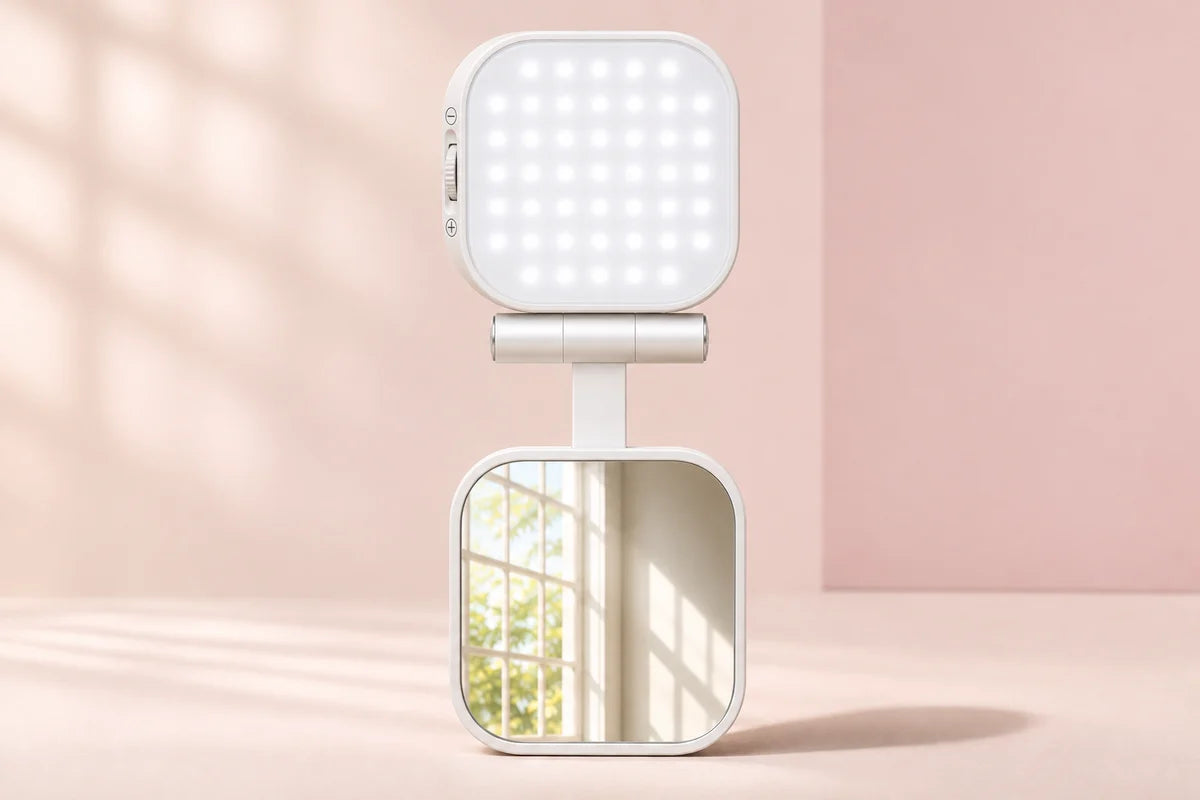
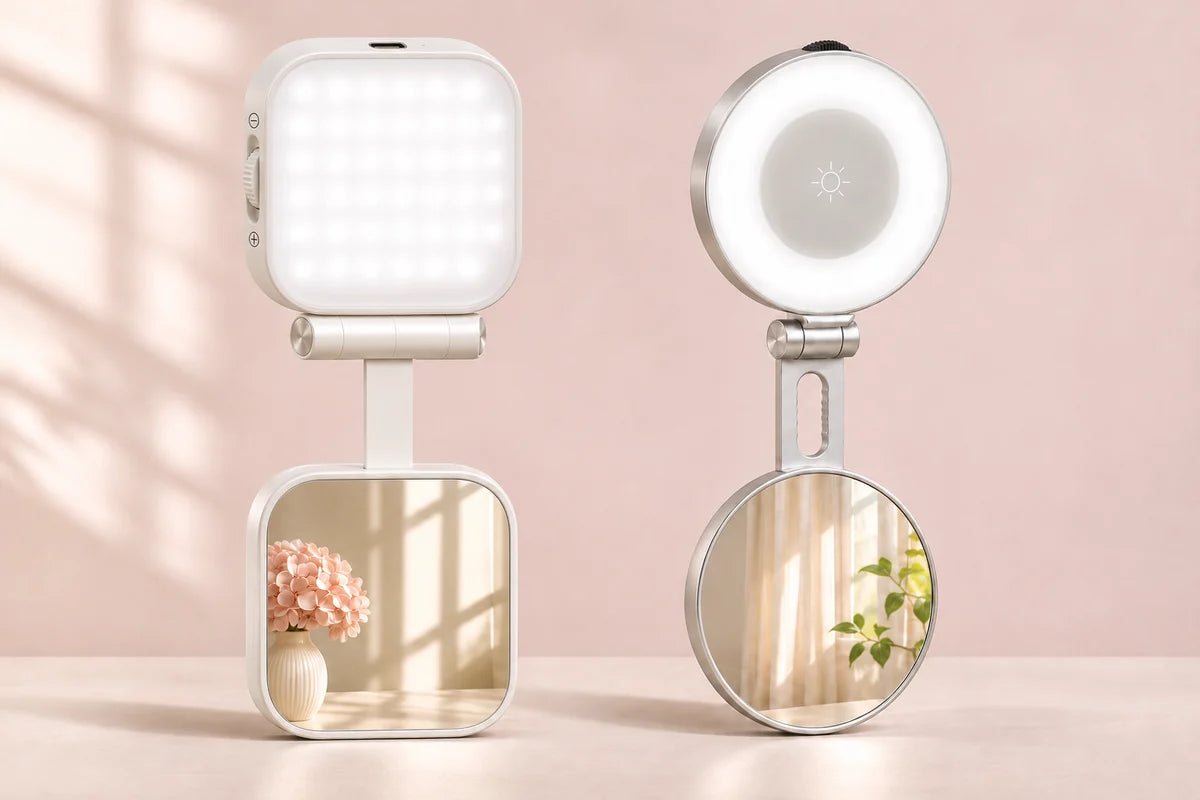
Choose Square for a wide panel and six light settings.
| Feature | Square | Round |
|---|---|---|
| Light shape | Wide square panel | Circular light ring |
| Light settings | 6 | 3 |
| Switch settings | Side settings button | Center button |
| Brightness | Side wheel | Rim wheel opposite the hinge |
| Mirror | Built-in square mirror | Built-in turning mirror |
| Charging | USB-C | USB-C |
06 / Quick setup
Snap on.
Set up your shot.
Attach it.
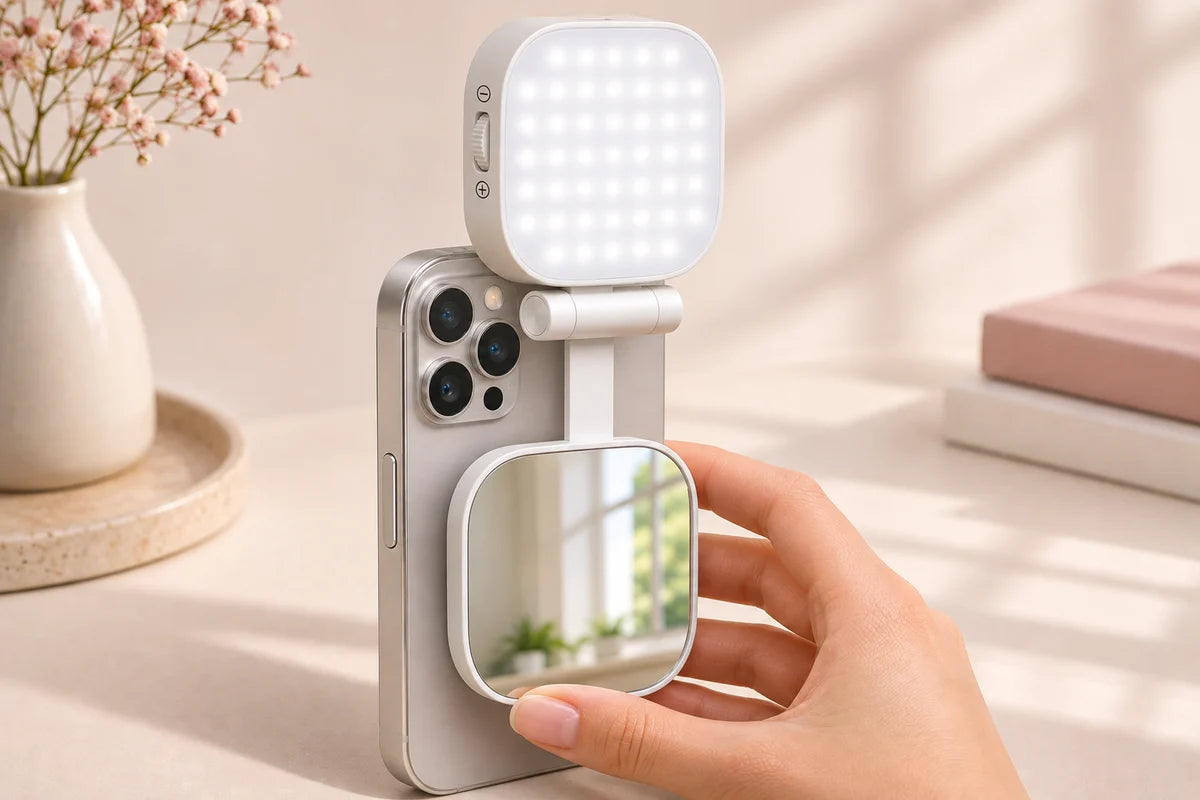
Center the magnetic base on the back of a compatible phone or case.
Open and aim.
Extend the folding arm and swing it sideways if you’re filming in landscape.
Adjust the light.
Choose a setting and use the wheel to adjust the brightness.
Check your frame.
Use the built-in mirror or the phone screen, depending on the camera you’re using.
07 / Fit and use
Know your setup.
Get the right light.
Check your phone fit.
Use a MagSafe-compatible phone or case. Check that the magnetic base sits flush before filming.
Keep your lenses clear.
Reposition the arm and check your camera preview before you start recording.
Use it for close-ups.
The light is designed to add fill at close range for selfies, product details and touch-ups.
08 / Charging and care
Recharge.
Ready for the next shot.
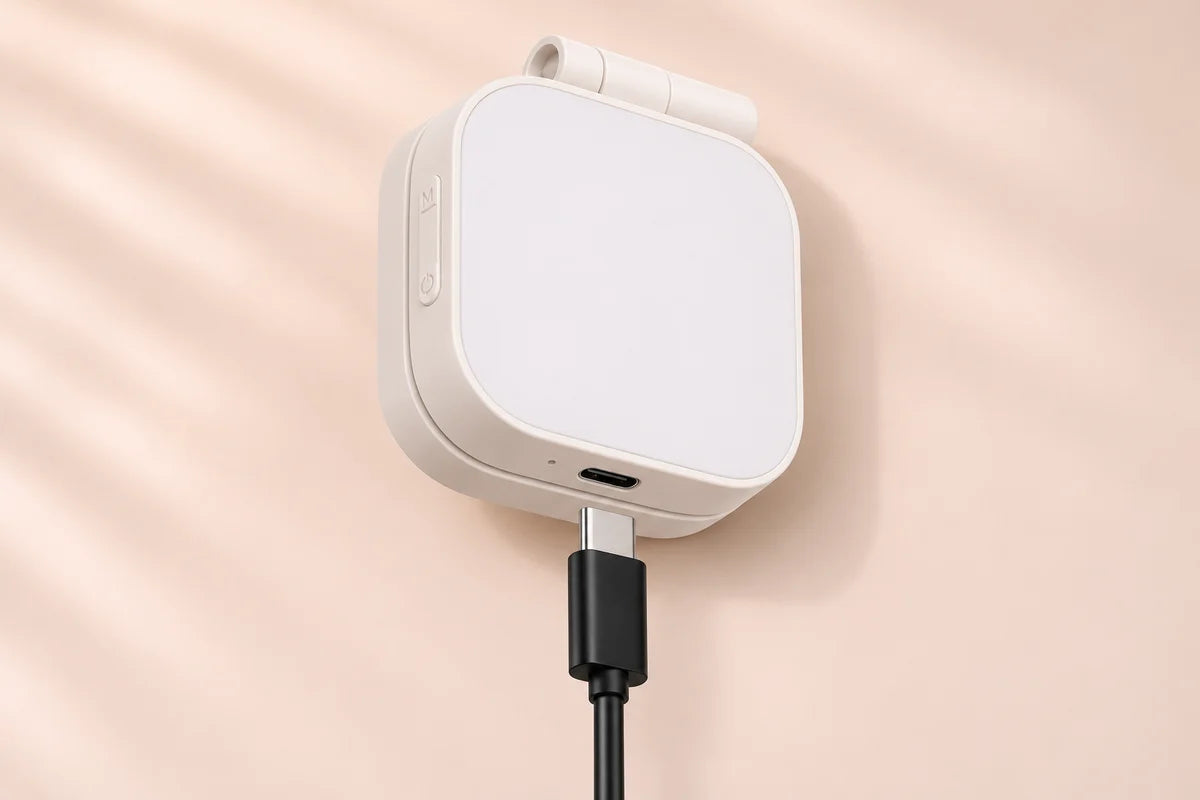
Plug a USB-C cable into the flat edge opposite the hinge.
Clean the mirror.
Use a soft, dry cloth to clear fingerprints.
Fold before packing.
Close the arm and store the light in a dry place.
09 / Frequently asked questions
Good questions.
Clear answers.
Will it fit my phone?
It snaps onto a MagSafe-compatible phone or case.
Can I use it with the rear camera?
Yes. Aim the light at your subject and use the built-in mirror to check your framing.
How do I change the light settings?
Press the side settings button to cycle through 6 settings. Turn the wheel to adjust brightness.
How do I charge it?
Plug a USB-C cable into the port on the light head.
How does the Black Friday offer work?
Choose a pack of 2, 4, or 6 lights, then pick Square or Round for each light. The free lights are included in the bundle total.